
Android app
Manage your website from your phone
The Creatin Web Android app lets you manage your website from your phone: add a photo from the camera, change a price, post a notice and answer an enquiry, wherever you are.
It is the companion to the website we build for you, and it is free on Google Play.
What it does
Your whole website, in your pocket
The app does what the dashboard does, designed for one hand and a spare minute.
Add and edit content
Blog posts, projects, products, gallery photos, events, offers and notices: whichever sections your website has.
Photos straight from the camera
Take a picture on site or on the shop floor and add it to a project or the gallery.
Enquiries with a notification
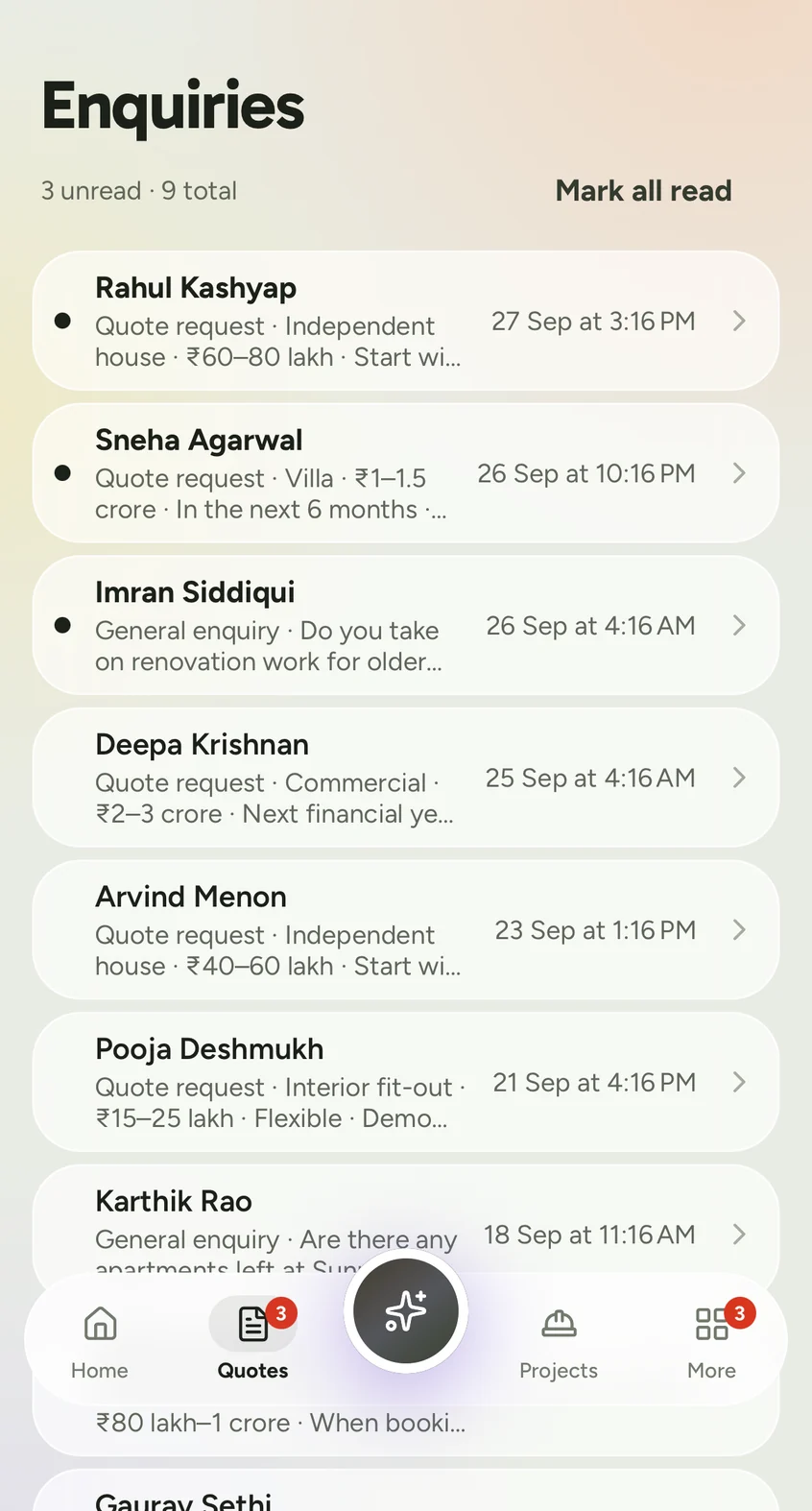
Contact messages, quotation requests, booking and admission enquiries, the moment they arrive.
Simple analytics
See how your website is doing without opening a laptop.
Billing and invoices
Your renewal date, your invoices and your payments.
More than one website
Run two businesses? Switch between your websites in the app.
Screens
What it looks like
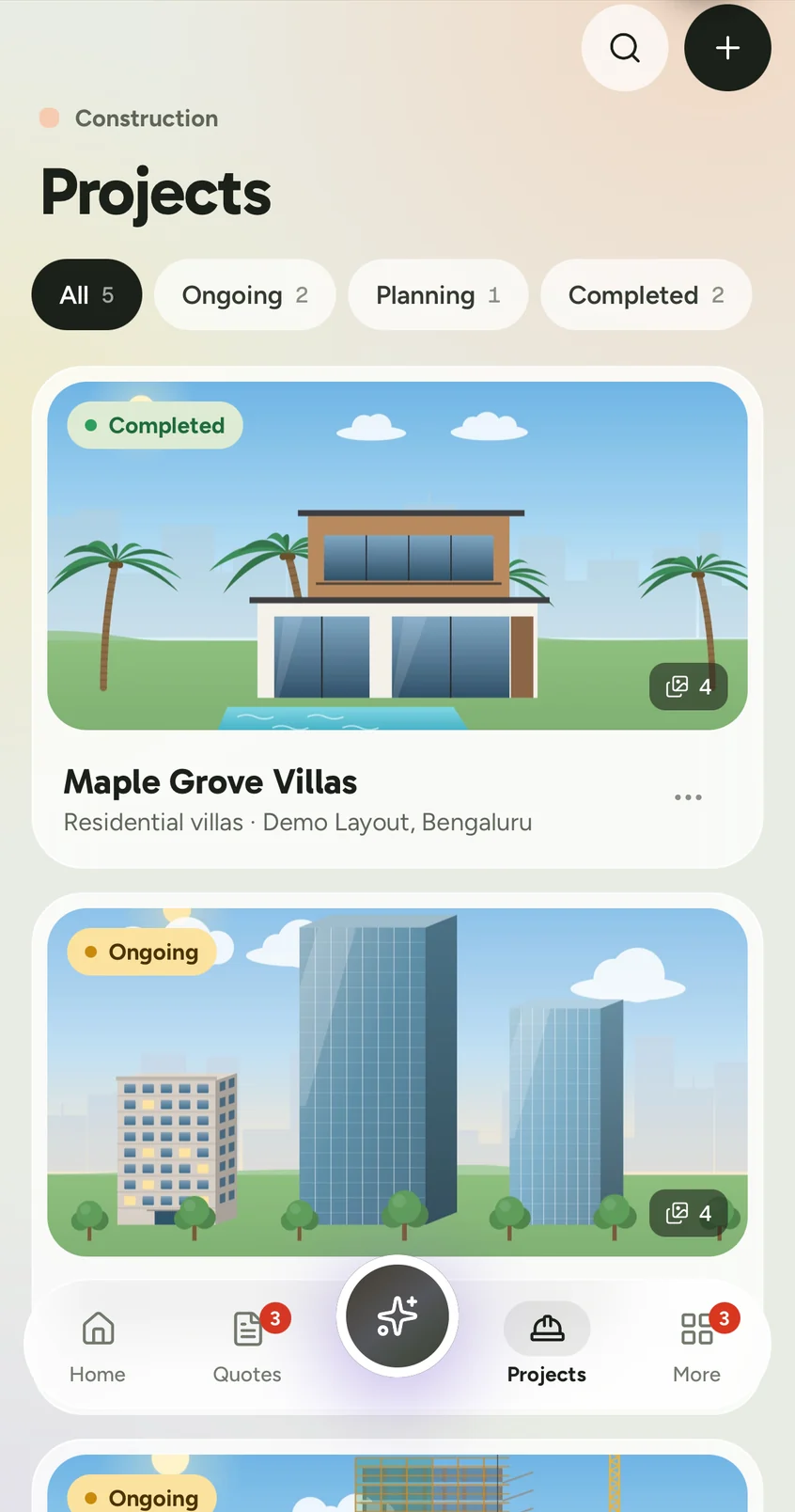
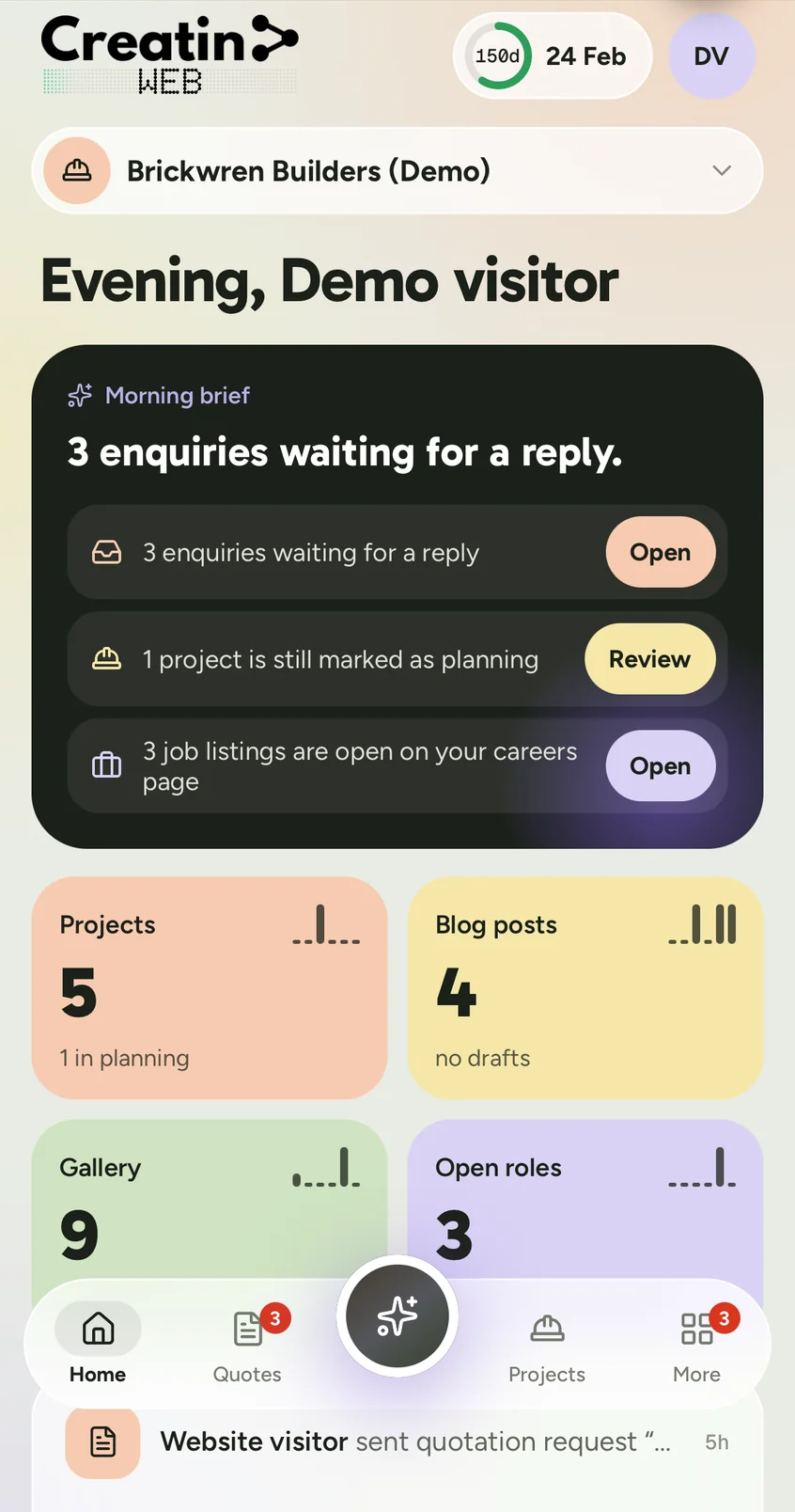
Four real screens from the app, signed in to the demo account.
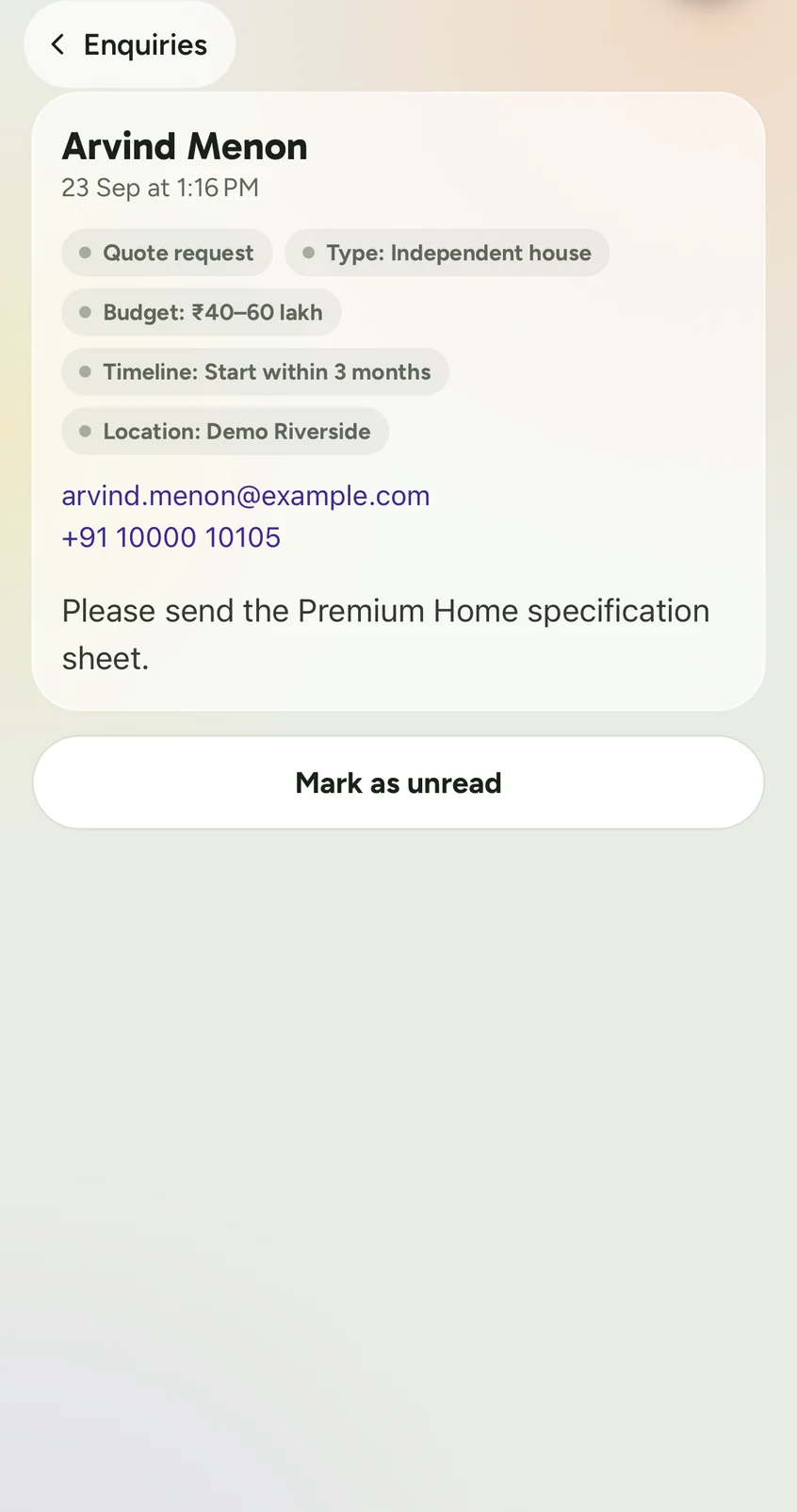
The business, people and numbers shown are sample data from the demo.
Signing in
No password. No sign-up form.
Your account is created when your website is. To sign in, enter your mobile number and the one-time code we send, or use Google.
- Staff sign in the same way, and see only their own sections.
- Not a client yet? Tap “Explore the demo dashboard” on the sign-in screen to look around.
- The same demo is open in your browser, with no install.
Good to know
- Free to install from Google Play.
- Published by Creatin Groups.
- The Privacy Policy explains what the app collects and why.
- You can ask for your account and data to be deleted on the account deletion page.
Questions
Questions about the app
Is the app free?
Yes. The app is free to install from Google Play. It is used with a Creatin Web account, which is created for you when we build your website.
Can I sign up for an account in the app?
No. There is no public sign-up. Your account is created when your website is set up, and staff join when the owner invites them. You can explore a read-only demo from the sign-in screen without an account.
How do I sign in?
With a one-time code sent to your registered mobile number, or with Google using your account email. There is no password to remember.
Is there an app for iPhone?
The app is on Google Play for Android. On an iPhone, iPad or computer, the dashboard works in the browser and does the same things.
Can my staff use the app?
Yes. Each staff member signs in with their own mobile number or email, and sees only the sections you have allowed.
Do I need the app to manage my website?
No. Everything can also be done from the dashboard in a browser. The app is handy for quick updates and enquiries; the dashboard suits longer work, such as writing an article.
Keep reading
Related pages
Free consultation
Tell us about your business
No obligation and no sales script. We listen first, then put a price in writing.
- We get in touch to understand your business and what the website should do.
- You receive a written quotation: your yearly plan and what is included.
- If you go ahead, we design and build your website and hand you the dashboard and app.