
Rooms
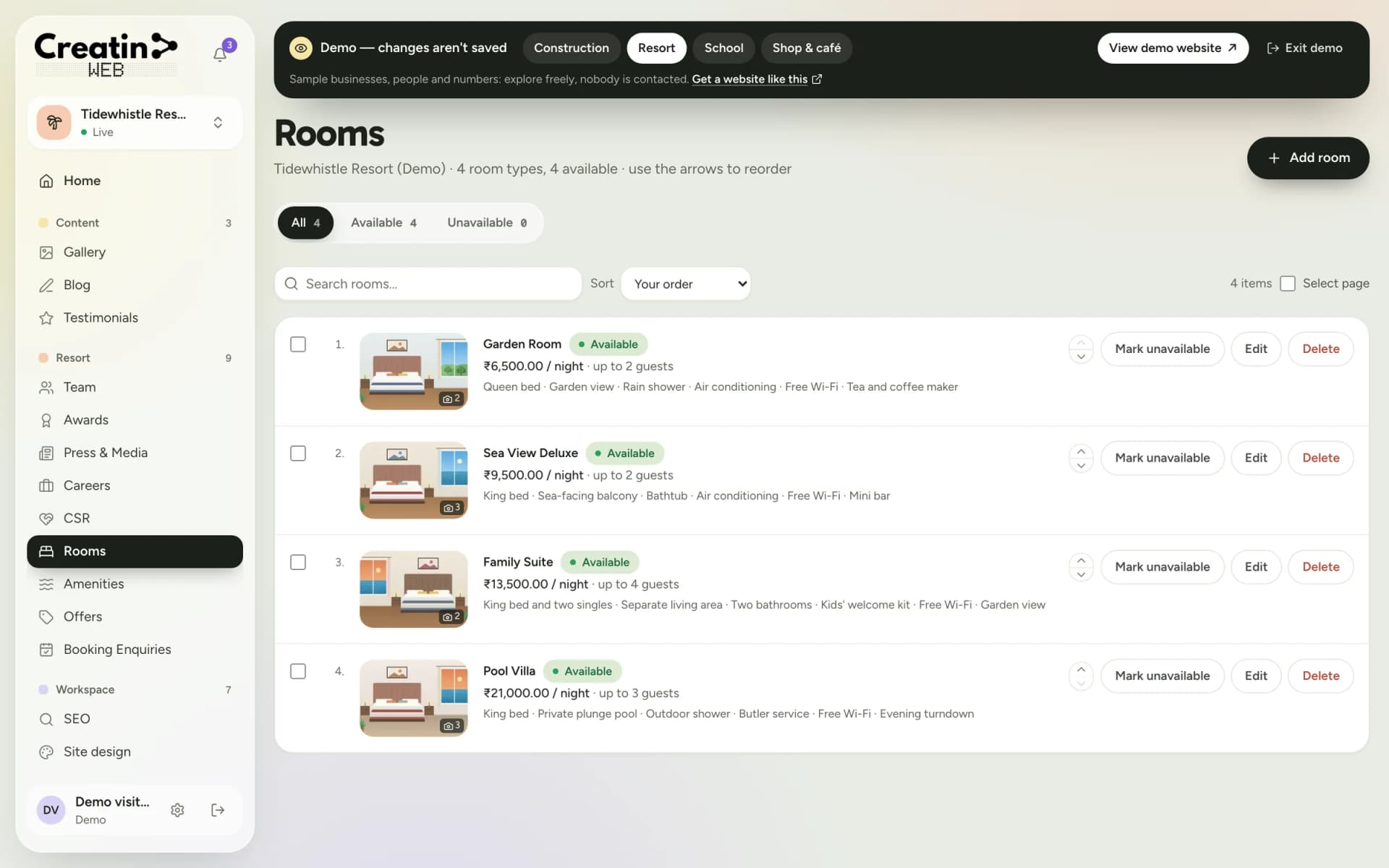
Room types with photos, rate, capacity and amenities, with an available or unavailable switch.
Resorts, hotels and homestays
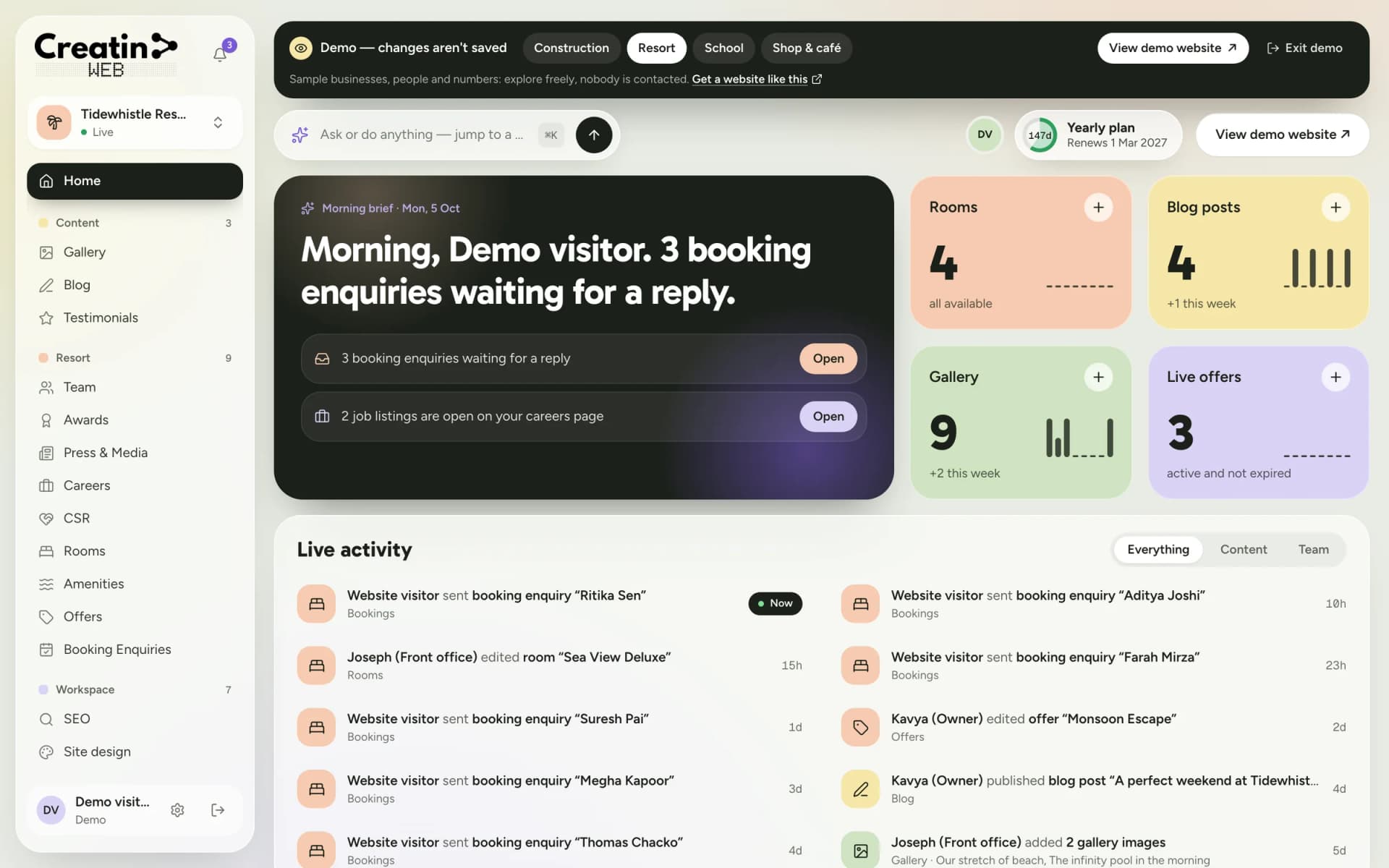
Good resort website design answers a guest's three questions quickly: what are the rooms like, what does it cost, and is it free on my dates. Creatin Web builds your site around rooms, offers and a booking enquiry form.
You change rates, add a monsoon offer or mark a room unavailable yourself, from the dashboard or the Android app, and it is live the moment you save.

The problem
The long-weekend package is over and the website still advertises it, because updating means a phone call and a wait.
Room sizes, the pool, pets, food, check-in time. Every question the website leaves open is a call your front office has to take.
Travel portals bring guests and take a commission on each booking. Guests who find your own website can enquire with you directly.
With no single list, a request for next month's dates is easy to miss during a busy check-in.
The solution
Each room type has its photos, rate per night, capacity and amenities. Mark a room unavailable and it comes off the website until you bring it back.
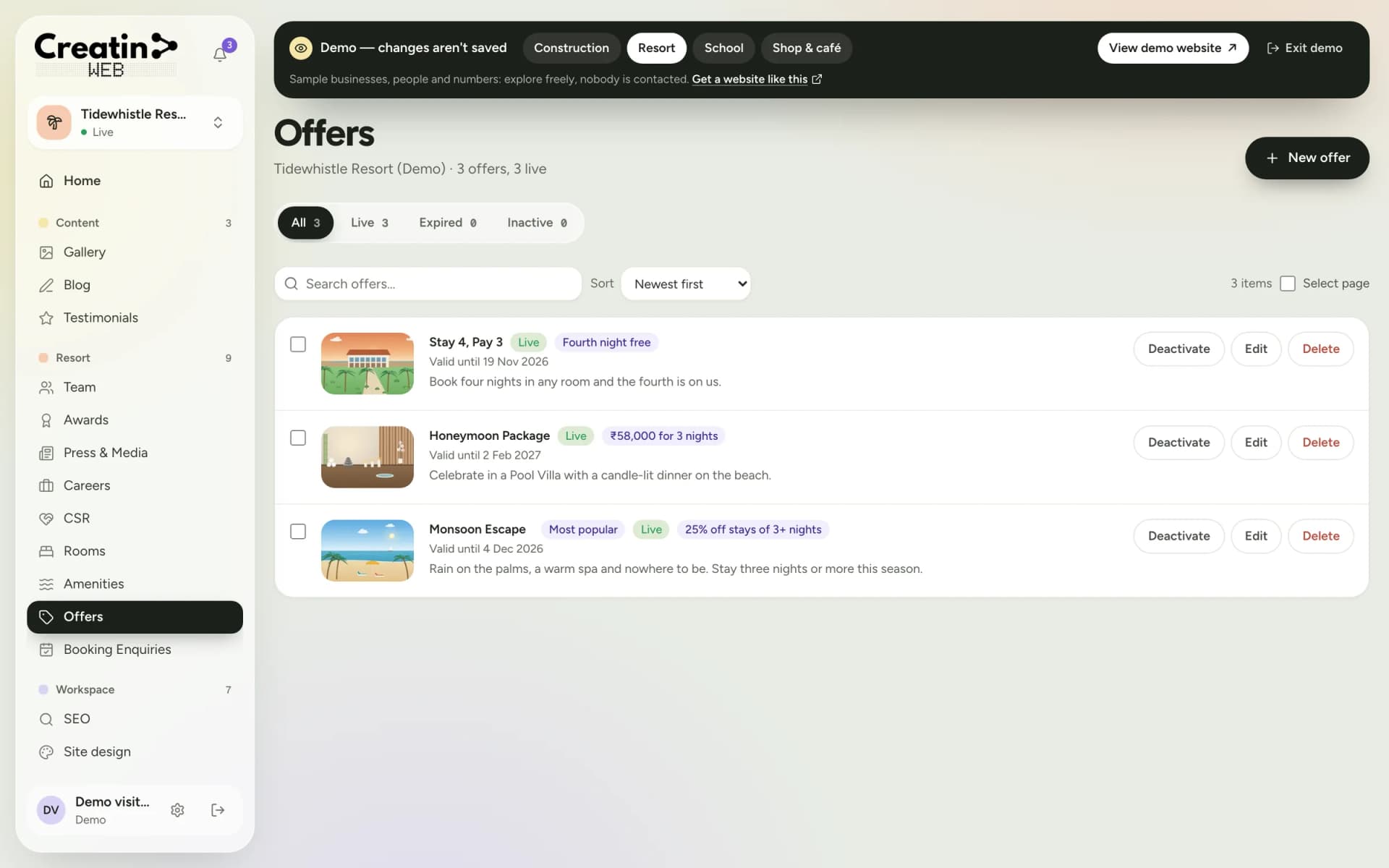
Give an offer a valid-until date. Once the date passes it stops showing, so last season's deal never lingers.
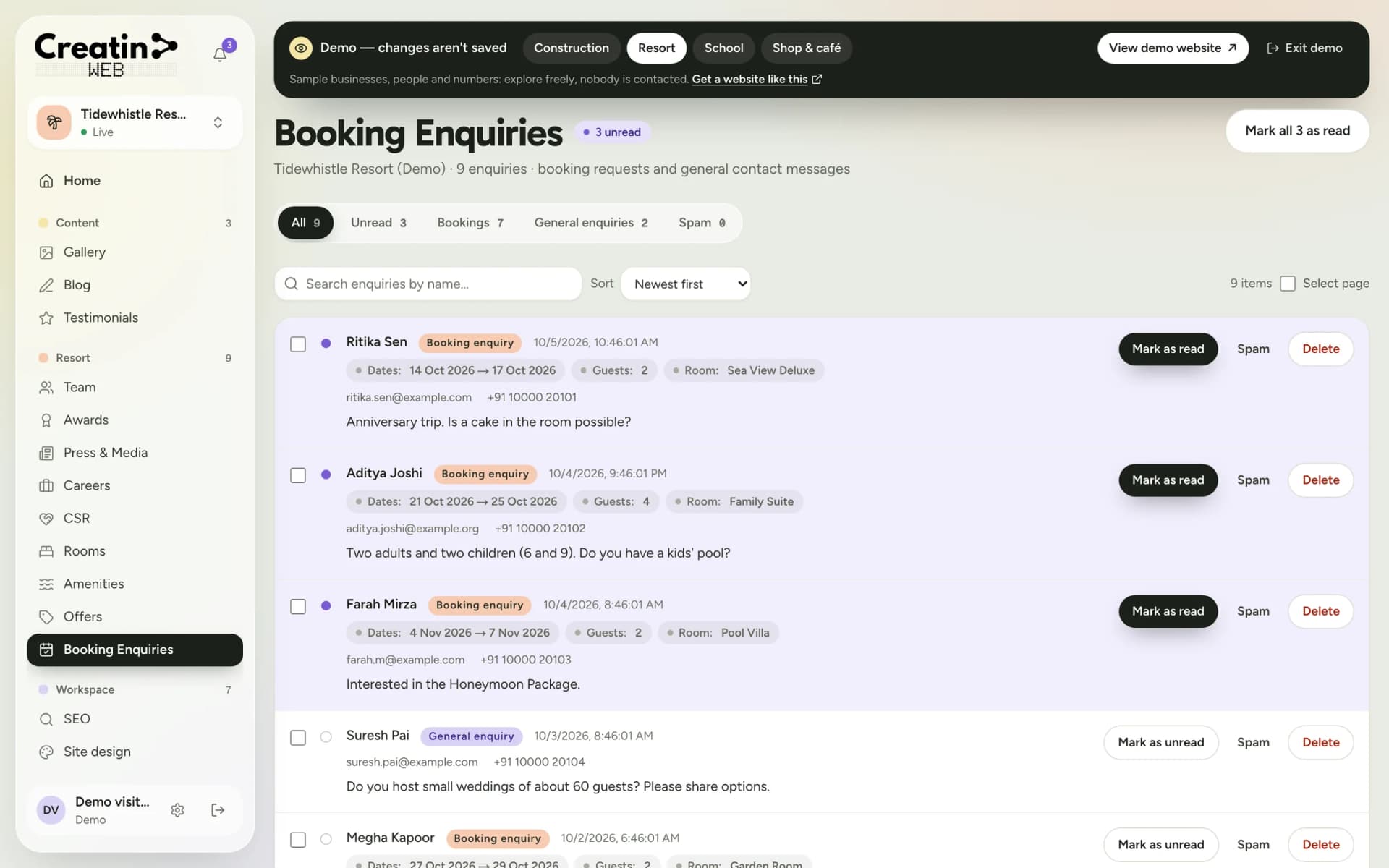
The form asks for check-in and check-out dates, the number of guests and the room. Each enquiry reaches your inbox with a notification on your phone.
Give the front desk access to booking enquiries only. They call the guest back; the rest of the website stays as you set it.
Dedicated tools
Each one is a section of your dashboard and a part of your public website.
Room types with photos, rate, capacity and amenities, with an available or unavailable switch.
The pool, the spa, the restaurant: each with a photo and a line of description.
Time-limited deals and stay packages with validity dates.
A booking form on your site and an inbox for the requests.
The people who run the property, recognition, coverage and open positions.
Photos of the property, articles about what to do nearby, and guests' words.
This is a booking enquiry form, not an instant-booking engine. It does not show live availability or take payment. You confirm the dates and collect the advance the way you do now.
See it
Real screens of the dashboard, filled with sample data. The business in them is not a real one.
Questions
No. Guests send a booking enquiry with their dates, the number of guests and the room they want. You confirm availability and take payment yourself. If you need live availability and instant confirmation, you need a booking engine, which Creatin Web is not.
Yes. Rates, photos, descriptions and offers are all edited from the dashboard or the Android app, and changes are live when you save.
Yes. The rooms list can be as short as one room, and the booking enquiry form works the same way. The sections you don't need are simply left out of your site.
Yes. Staff accounts have permissions for each section, so the front desk can be given Booking Enquiries only.
Yes. Link your Google business in the dashboard and your website shows a "Review us on Google" button and a link to all your reviews on Google.
Keep reading
Free consultation
No obligation and no sales script. We listen first, then put a price in writing.