
Packages
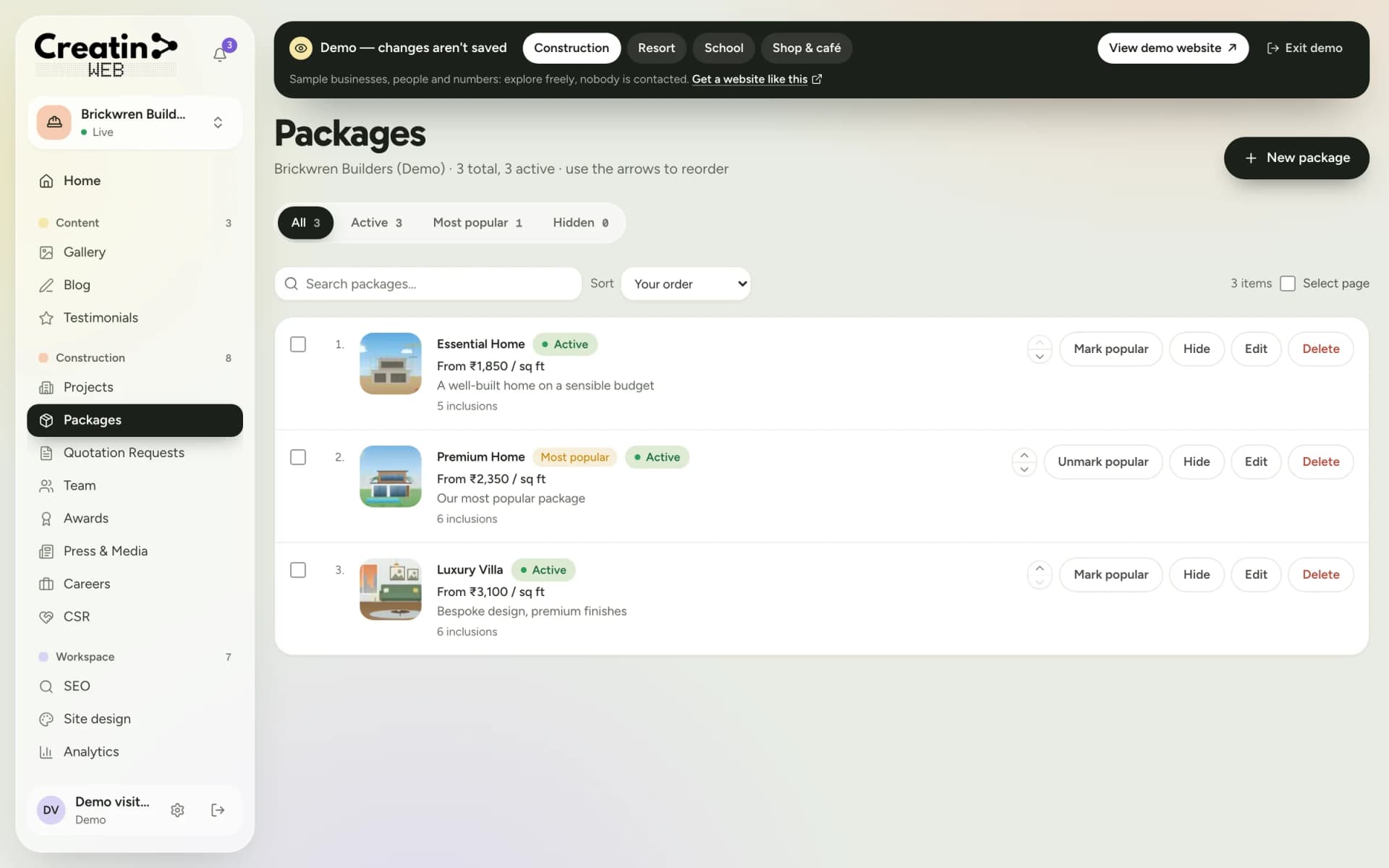
Plans by seat type, with prices.
Coworking spaces and business centres
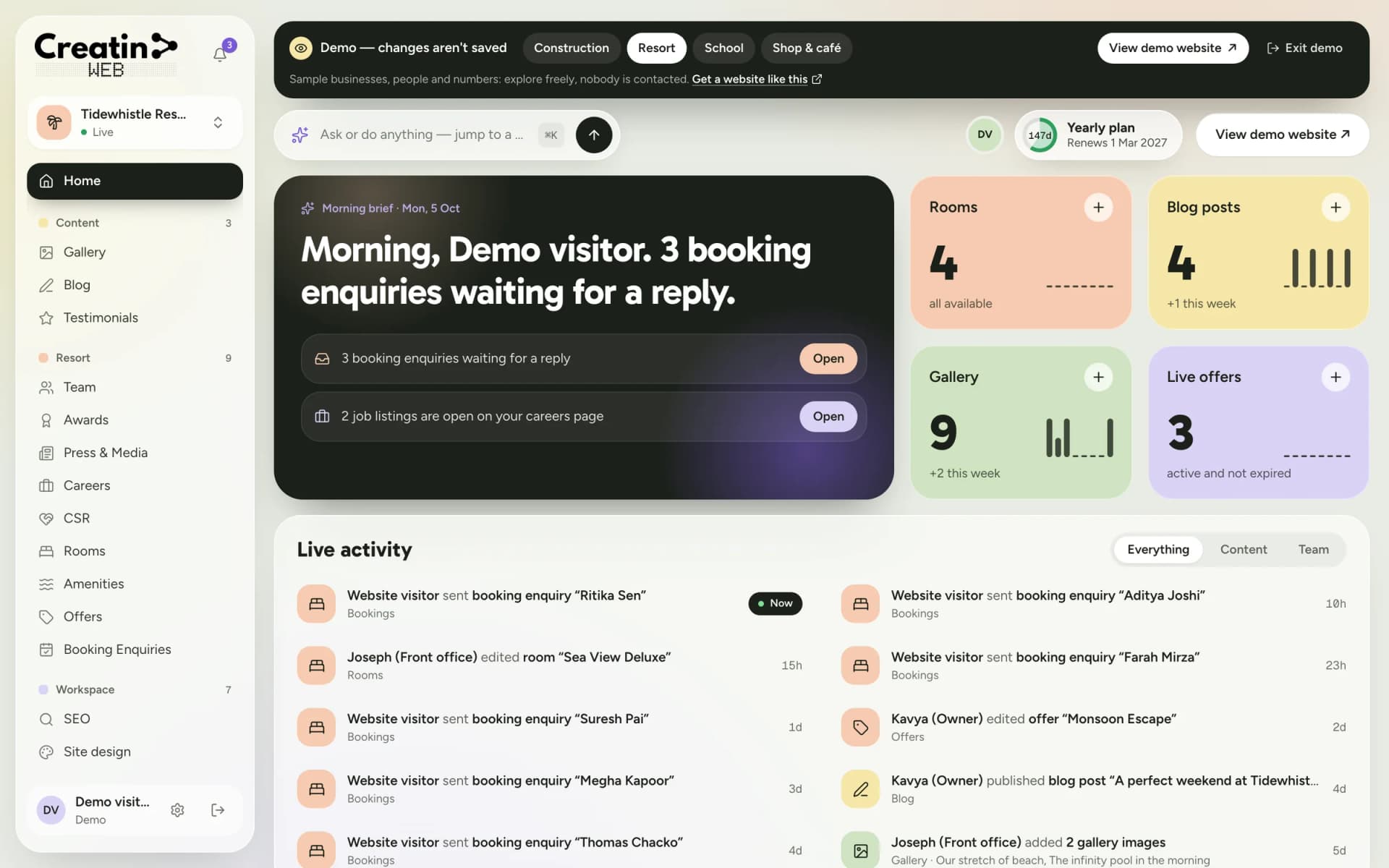
A freelancer, a small team or a company opening a branch wants plans and prices, photos of the space, the amenities and a tour. Creatin Web designs and builds a website that gives them all of that, with a dashboard and an Android app so your community manager keeps availability and events current.
Tour requests arrive with the team size, the seat type and the start month.
The problem
A hot-desk price online brings the visit; a form with no numbers sends people to the aggregator.
Private cabins fill and free up, and the page says the same thing all year.
Talks and meetups that would bring new faces are announced on an internal board.
The solution
Hot desk, dedicated desk, private cabin, virtual office and meeting rooms as packages with monthly and daily rates.
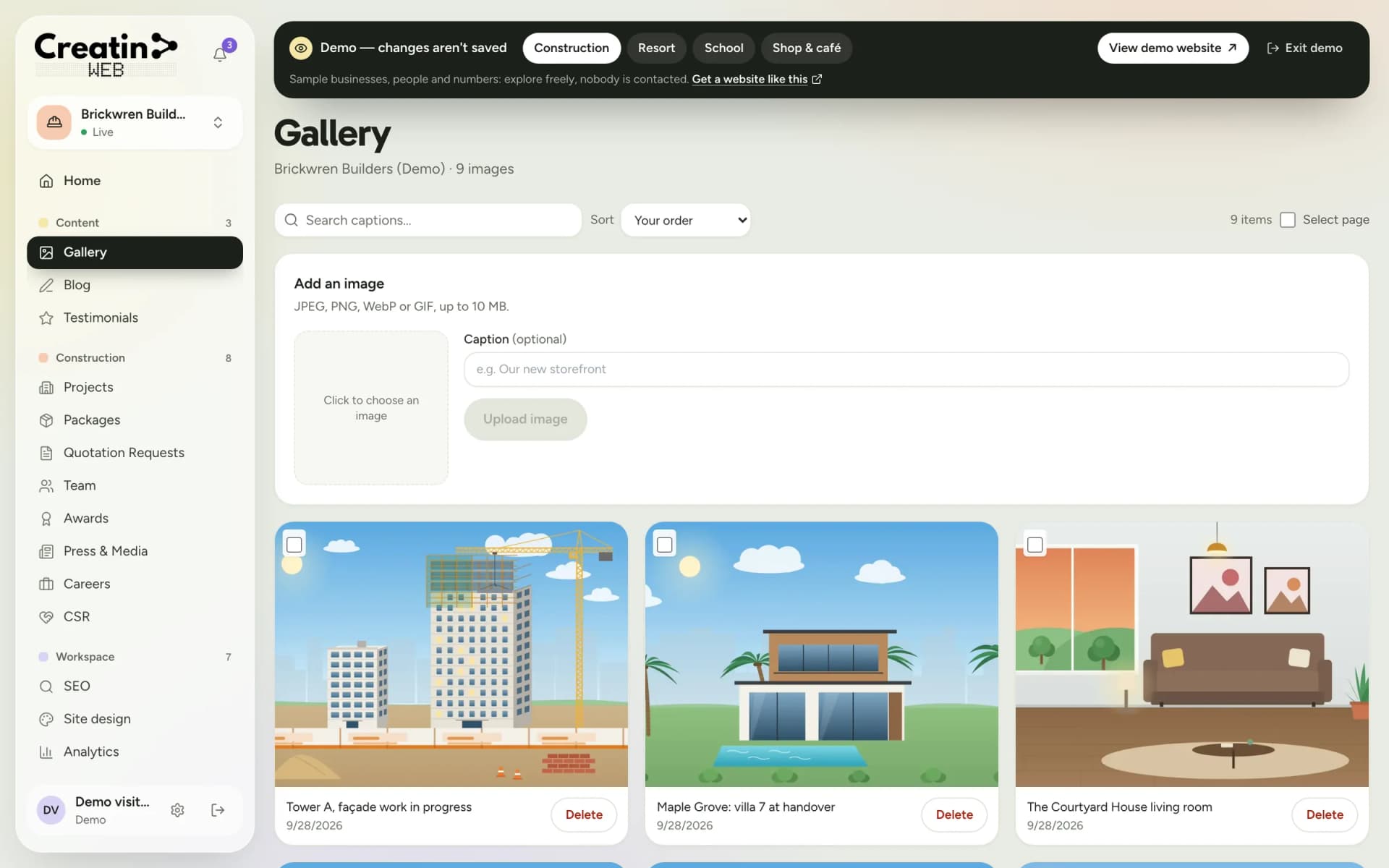
Internet, meeting rooms, parking, café, timings, as a plain list, and the space floor by floor in photos.
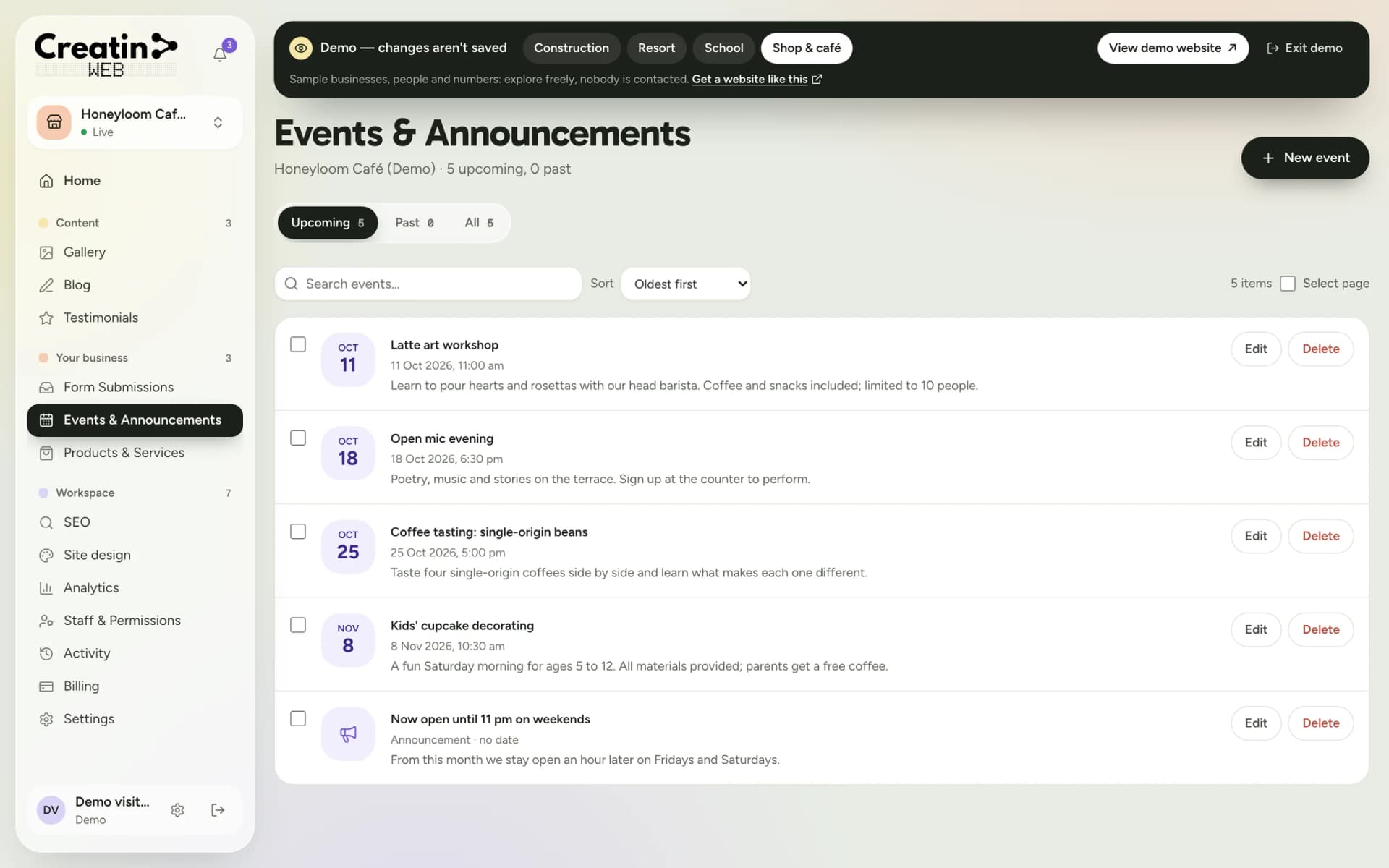
Talks, meetups and workshops with dates, open to the public when you choose.
The booking form asks for the team size, the seat type, the start month and a preferred time for a tour, with a notification on your phone.
Your sections
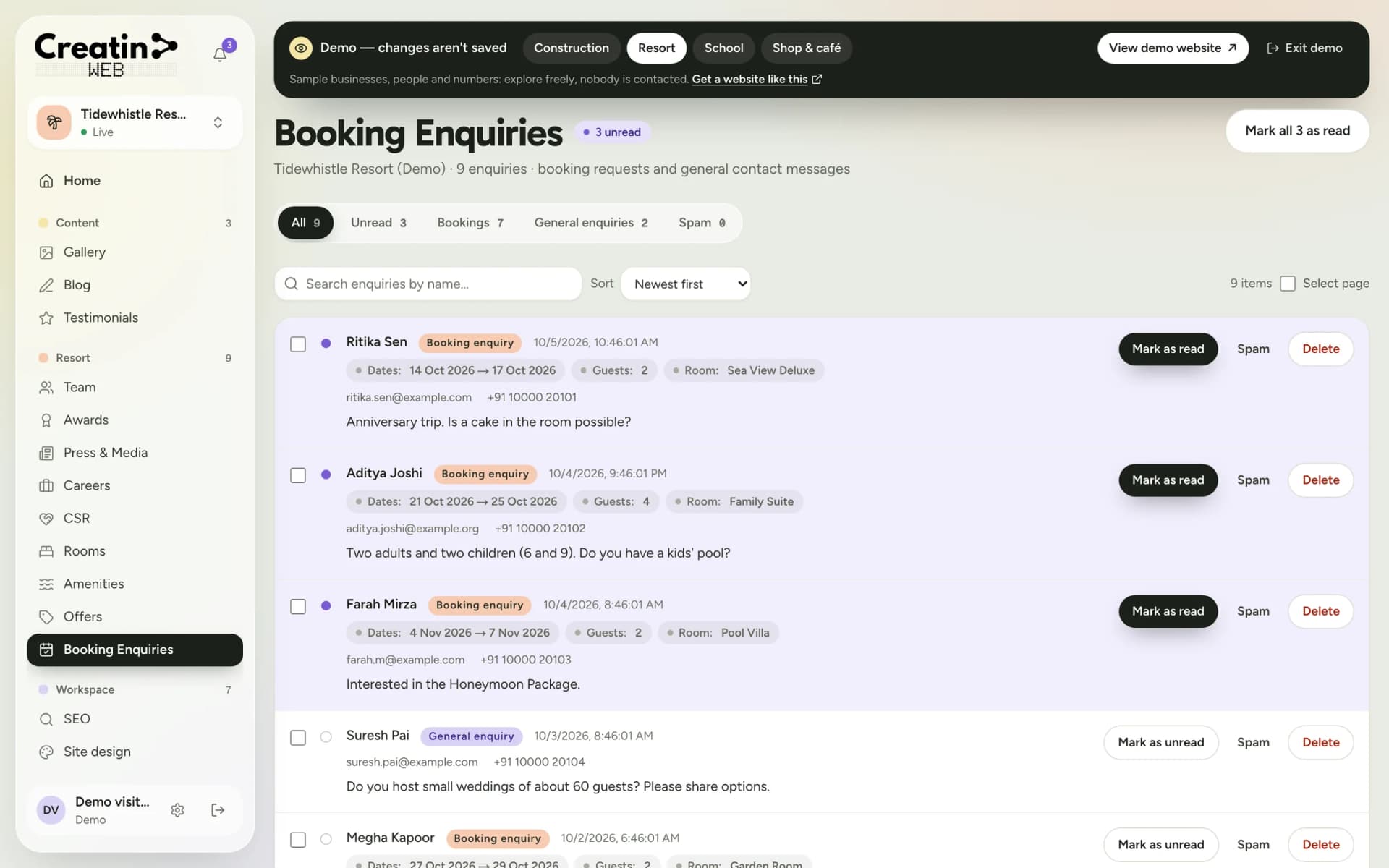
Each one is a section of your dashboard and a part of your public website. They are chosen for your business when the site is built; a gallery, a blog, testimonials, SEO controls, analytics and staff accounts come with every site.
Plans by seat type, with prices.
What is included.
Tour requests and seat enquiries.
The space, floor by floor.
Meetups, talks, holiday hours.
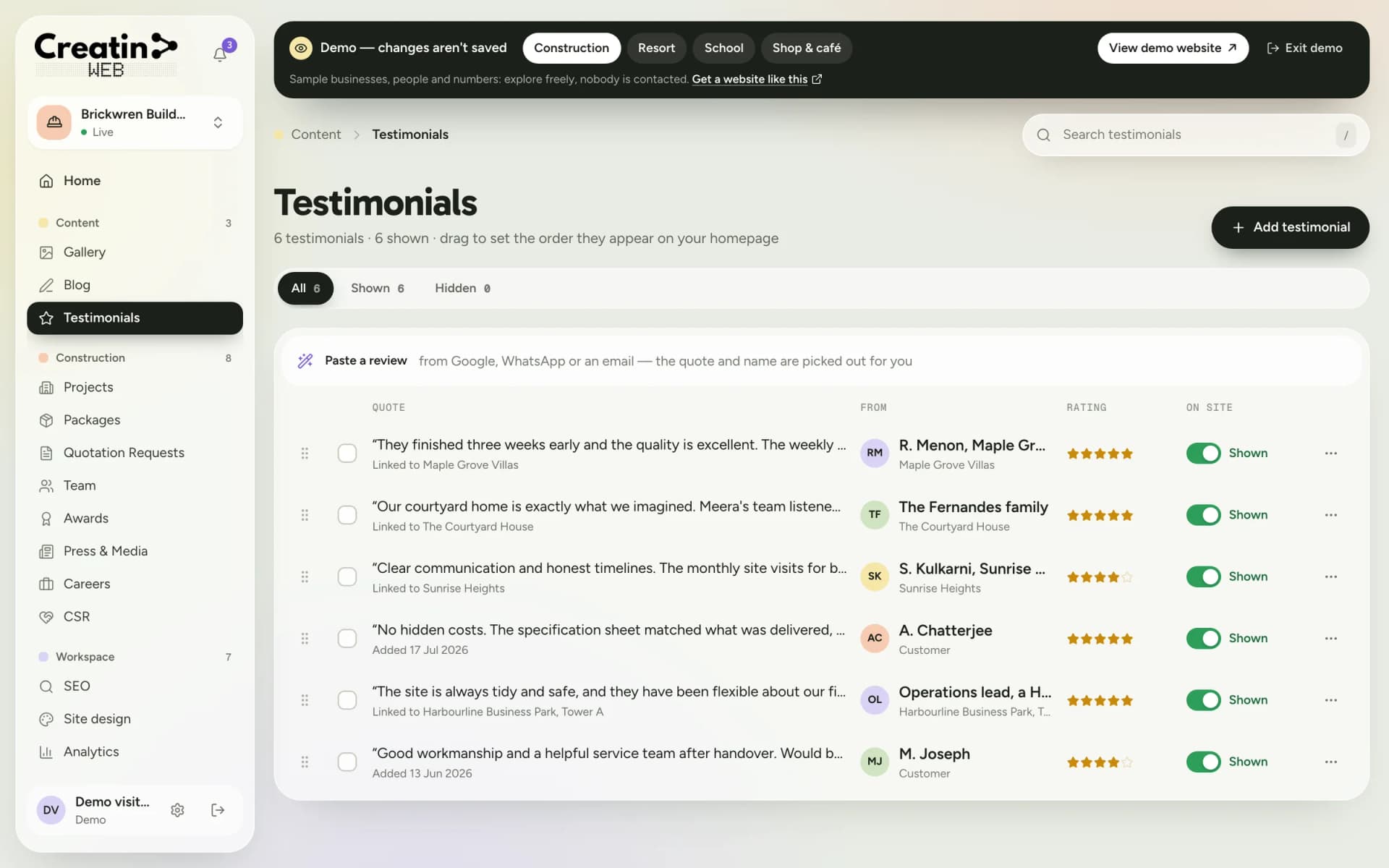
Members' words.
There is no live seat availability, no meeting-room booking calendar, no member login and no online payment. Requests reach you with a notification; your manager confirms seats and collects payment as now.
See it
Real screens of the dashboard, filled with sample data. The business in them is not a real one, and not yours; the sections are the ones you would use.
Questions
No. Rooms are listed with rates and capacity; members book through you or the tools you use internally.
Not live. Update the plan's text or a notice from the app when cabins fill or free up.
No. Day passes can be listed with the price, and visitors request one through the form or walk in.
Yes. Events have a date, a time and a description, and appear on the home page until they pass.
Keep reading
Free consultation
No obligation and no sales script. We listen first, then put a price in writing.